






















Master the Vibe
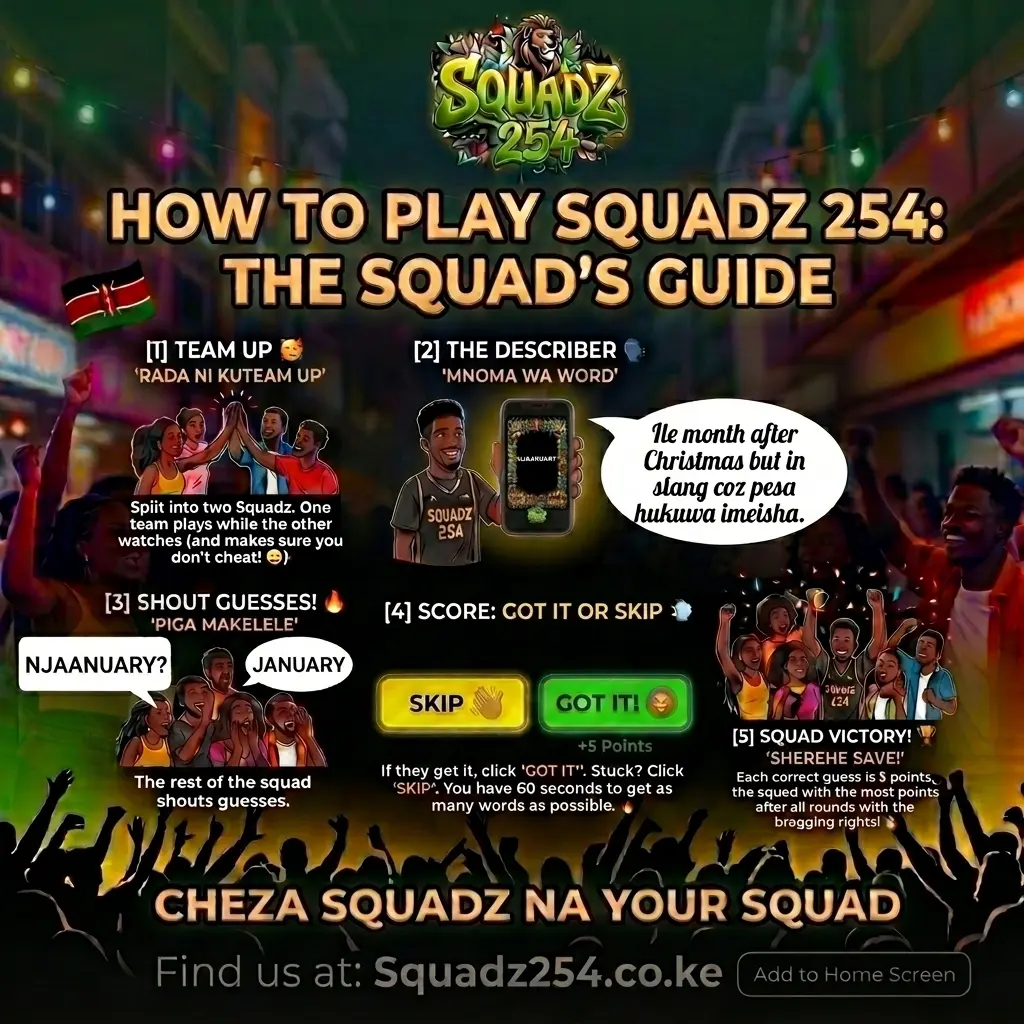
LOCAL MODE 👥
📱 One Phone, In-person Vibe
Perfect for parties or hanging out. Play together using a single phone.
1
Gawanya SquadzSplit into two teams (Team A and Team B) and sit together.
2
Select a CategoryChoose any category your team can describe best (Slang, Music, Food, etc.). NOTE: You cannot repeat a category that you have already played in a previous round!
3
Shika Simu & ElezaA player from Team A holds the phone. When the timer starts, describe the word on the screen to your team without saying the word itself.NO DIRECT TRANSLATIONS 🚫: To keep it fun, direct translation is illegal! If the card is "Fish", you cannot say "Samaki". Describe the shape, taste, or a story instead!
4
Score or SkipTap '✅ GOT IT!' for correct guesses (+5 pts) or '❌ SKIP' to pass. You have 60 seconds.
5
Pass the PhoneWhen time runs out, pass the phone to Team B. For the next round, choose a different category! Rotate without repeating to keep it fun. Highest score wins!
PRO TIP 🔥: Use accents, funny stories, or local references (mtaa vibes) to make your squad guess faster. Speed is everything!
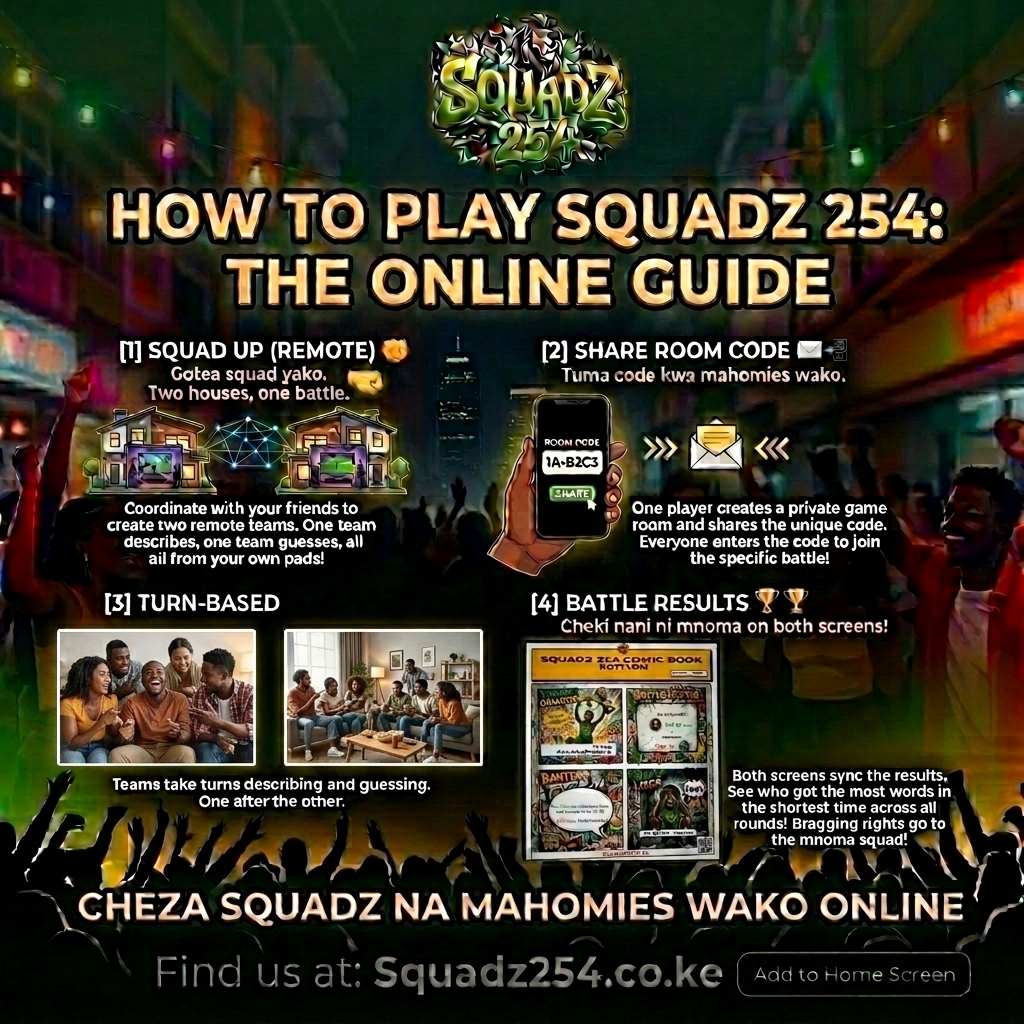
ONLINE MODE 🌍
🌍 Play Remotely on Multiple Devices
Perfect for playing with friends in different locations. Everyone plays on their own screen.
1
Create or Join RoomOne player clicks Online, picks a category, and gets a Room Code (e.g. NAIROBI12). Share it with your friends to join.
2
Lobby & Voice CallWait for your squad in the lobby. Connect on a WhatsApp/Discord/Zoom call so you can talk to each other while playing!
3
Start the gameWhen the host starts, the game timer and active cards are synced across everyone's screens in real-time.
4
Describe over the CallThe active describer gets the word on their screen and describes it to the team. Shouting is highly encouraged! 😂NO DIRECT TRANSLATIONS 🚫: To keep it fun, direct translation is illegal! If the card is "Fish", you cannot say "Samaki". Describe the shape, taste, or a story instead!
5
Interactive ScoringOnce a squad member shouts the correct word, the describer taps '✅ GOT IT!'. Watch the live scoreboard update instantly!
PRO TIP 🔥: Host an online party by sharing your screen or simply calling your squad on speakerphone. Connection is key!